
Counting Squares
Count the squares on screen and press the matching number in a focused visual counting game.
Skill: Counting a set and matching it to a numeral
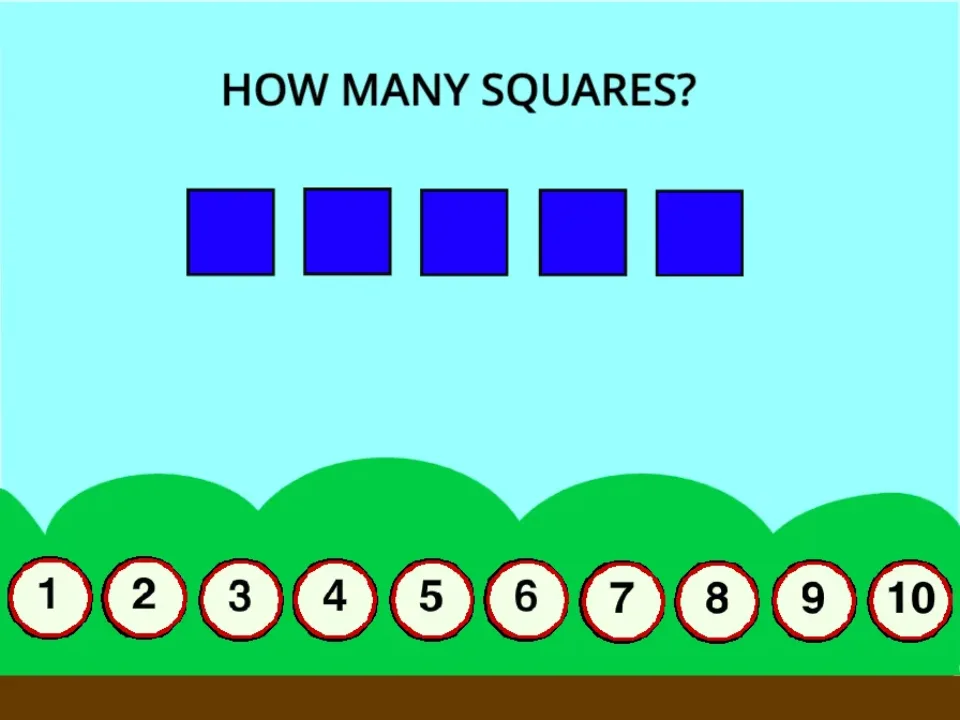
Counting Squares shows a group of squares and a row of number buttons. The player counts the squares and presses the matching numeral. It is a narrow, focused activity for numbers up to ten.
The useful part is the link between "how many" and the written digit, which is a separate skill from reciting numbers in order.
How to play
- Click the green flag in the game frame.
- Count how many squares are visible.
- Press the answer button that matches your count.
- Try the next round with a fresh set of squares.
What it practises
- One-to-one counting: one number word for each square.
- Knowing the last number counted is the total.
- Recognising the numerals 1 to 10.
Count, then check without counting
- Let the child count the squares by pointing at each one.
- On the next round, ask them to guess before counting.
- Compare the guess with the count. Over time the guesses for small groups (up to five) get faster and more accurate; that is called subitising.
For parents and teachers: If a child keeps double-counting, ask them to touch the screen or move a finger along each row.
Counting Squares FAQ
What does Counting Squares ask the player to do?
The game asks the player to count the squares on screen and press the matching numbered answer button.
What number range does it cover?
The answer buttons run from 1 to 10, so it suits children who are learning to count small groups and recognise the numerals up to ten.
How can I avoid guessing?
Scan in one direction, point to each square once, say the total, and only then press the matching answer.
Related lessons
Counting Squares is a Scratch project by Mittensbrother (original project), shared under CC BY-SA 2.0 and packaged for the browser with TurboWarp Packager. NumBlocksGen wrote the teaching notes on this page. See credits.