Fizmo Puzzle: level 1 and the separate level designer
What we verified
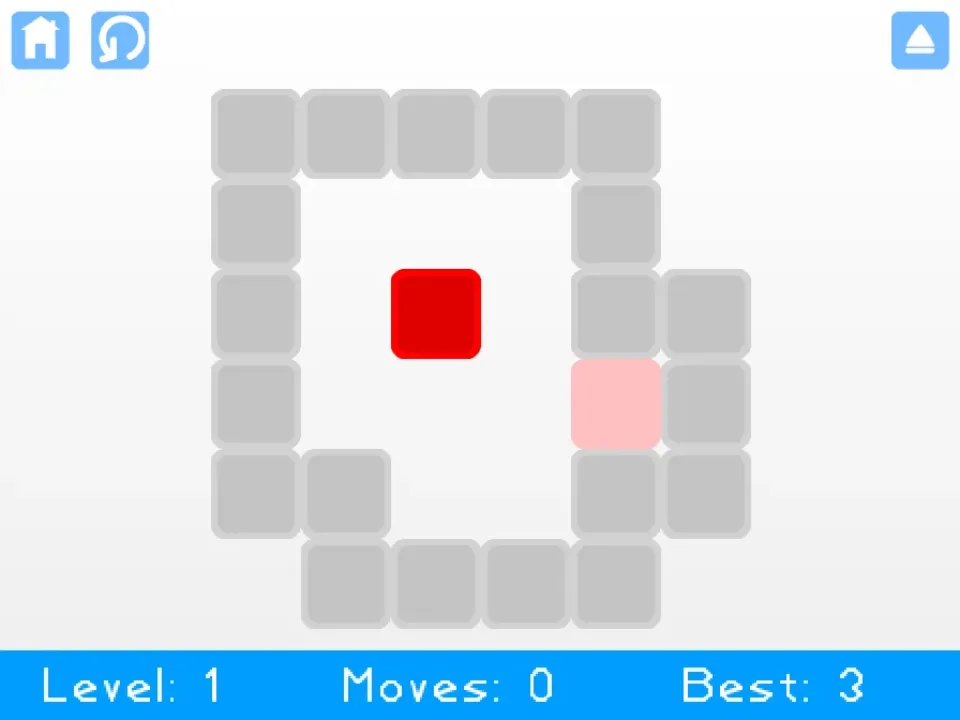
- Play Game opened level 1 with Moves at 0 and Best at 3.
- The board showed a red cube, matching goal, walls, home control, and restart control.
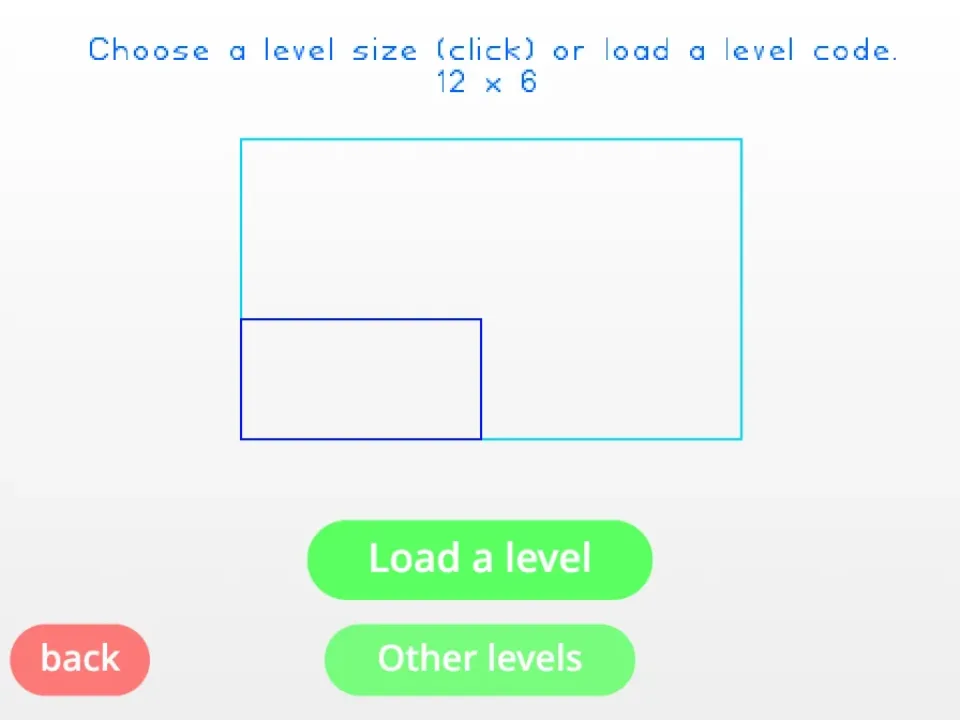
- Level Designer opened a separate size-selection and load-code screen.
Read level 1 before moving
The captured level began with Moves at 0 and Best at 3. Use that best value as a planning clue: identify the cube, target, and walls before pressing an arrow key.
The restart control remains available above the board, so an experimental move is recoverable. Restarting is more informative than continuing after the route is clearly broken.
Do not confuse Play Game with Level Designer
Level Designer opens a different workflow with board-size choices and load-level controls. It is not the next built-in puzzle level.
If the goal is normal play, return home and select Play Game. If the goal is layout experimentation, choose a size only after deciding what grid is needed.
Desktop controls are the reliable path
The verified puzzle path used keyboard movement. Code entry and grid design also need more space than the smallest phone layout provides.
On a narrow touch-only device, the page can still be browsed, but a keyboard and larger viewport provide the tested interaction model.
Quick checklist
- Read the target and wall positions before the first move.
- Compare Moves with the displayed Best value.
- Use restart when an early move blocks the route.
- Enter Level Designer only for custom layouts or codes.