Fraction Galaxy: device choice and level-entry walkthrough
What we verified
- The hosted package first presented computer and touch-device control paths.
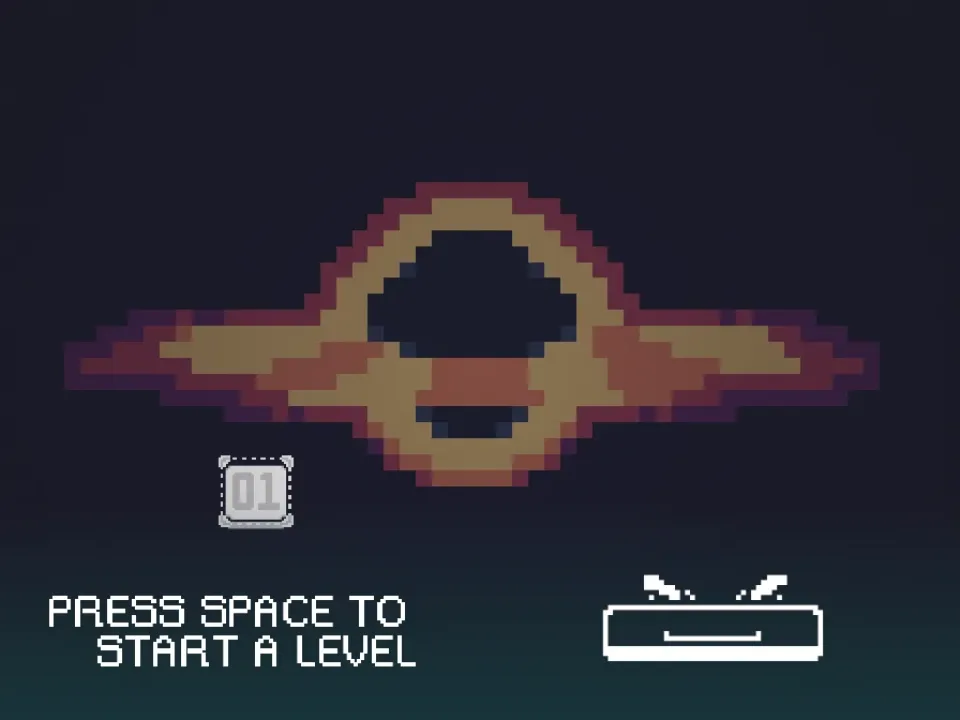
- The computer path opened the Math Game title and then a selector beginning at level 01.
- The test did not produce a stable in-level frame, so no unverified room claim is presented as captured gameplay.
Choose the control path that matches the device
The hosted build does not move directly into a level. It first asks whether the session uses a computer or a touch device. The desktop test followed the computer route.
After that selection, the title screen appeared, followed by a level selector beginning at 01. If the selector does not appear, return to the device choice rather than repeatedly pressing the canvas.
Use the selector as the startup checkpoint
The level number and keyboard prompt are the clearest proof that the desktop startup sequence completed. Wait for both before sending movement input.
A blank or partially drawn canvas is not the same state. Refresh once and repeat the device choice if the selector never becomes stable.
The evidence boundary for this guide
This run verified the device chooser, title, and level selector. It did not capture a stable puzzle room, so this guide does not claim that a particular fraction gate or block layout was reproduced.
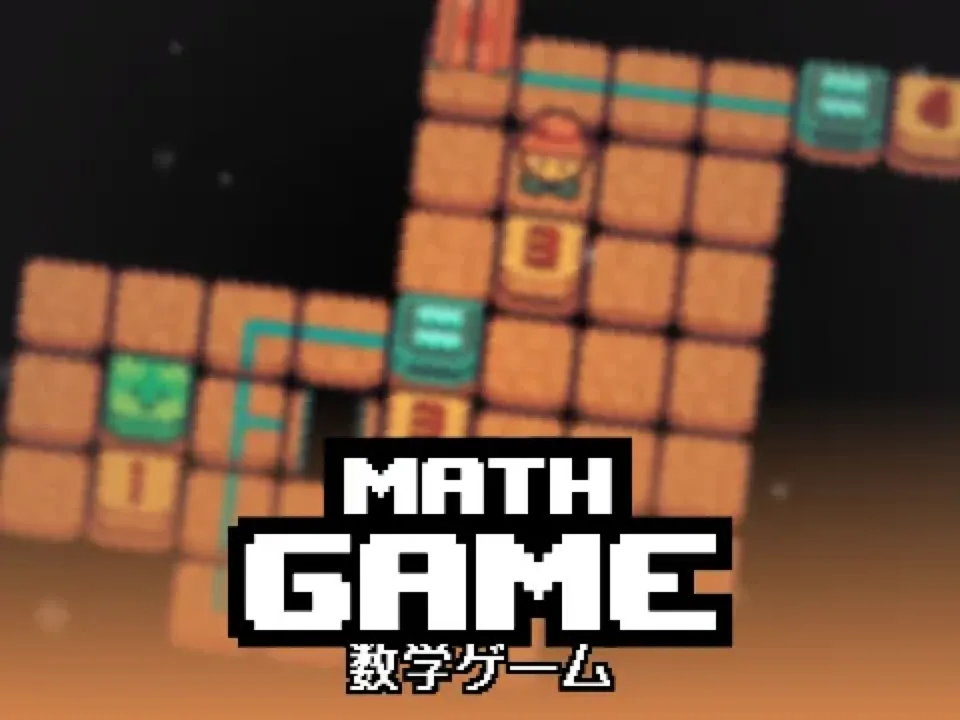
The game page includes a separately labeled creator preview as a fallback. That image is useful context, but it is not described as a runtime capture from this test.
Quick checklist
- Select computer or touch controls deliberately.
- Wait for the title and level selector to finish drawing.
- Confirm that level 01 and its input prompt are visible.
- Treat the creator preview as reference imagery, not test proof.