Counting Squares and Alphabet Game sequence practice
What we verified
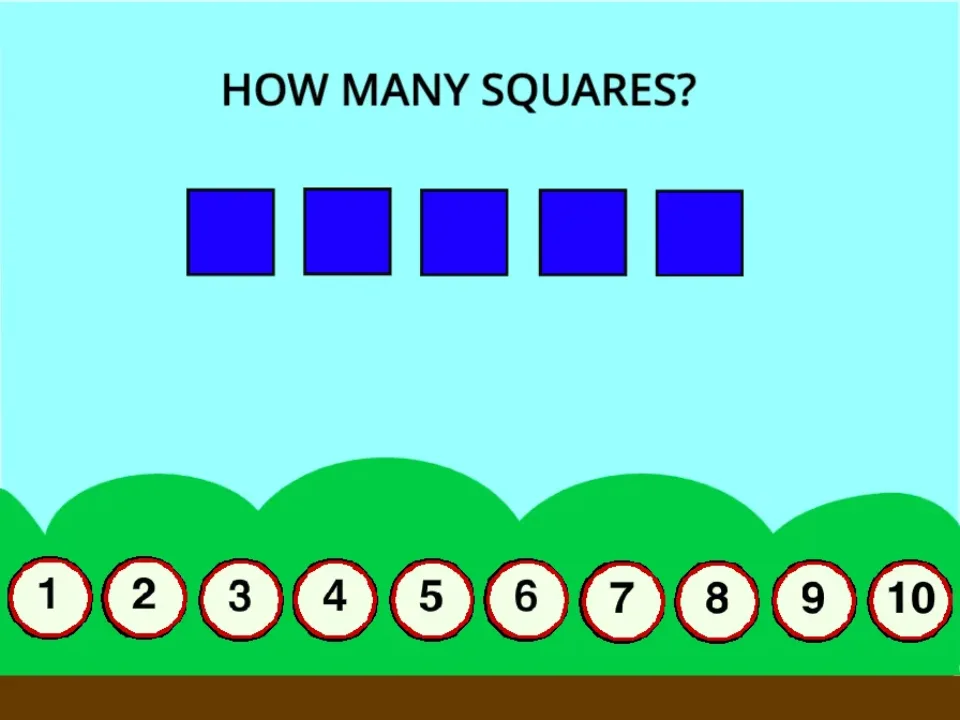
- Counting Squares displayed five blue squares and answer buttons from 1 through 10.
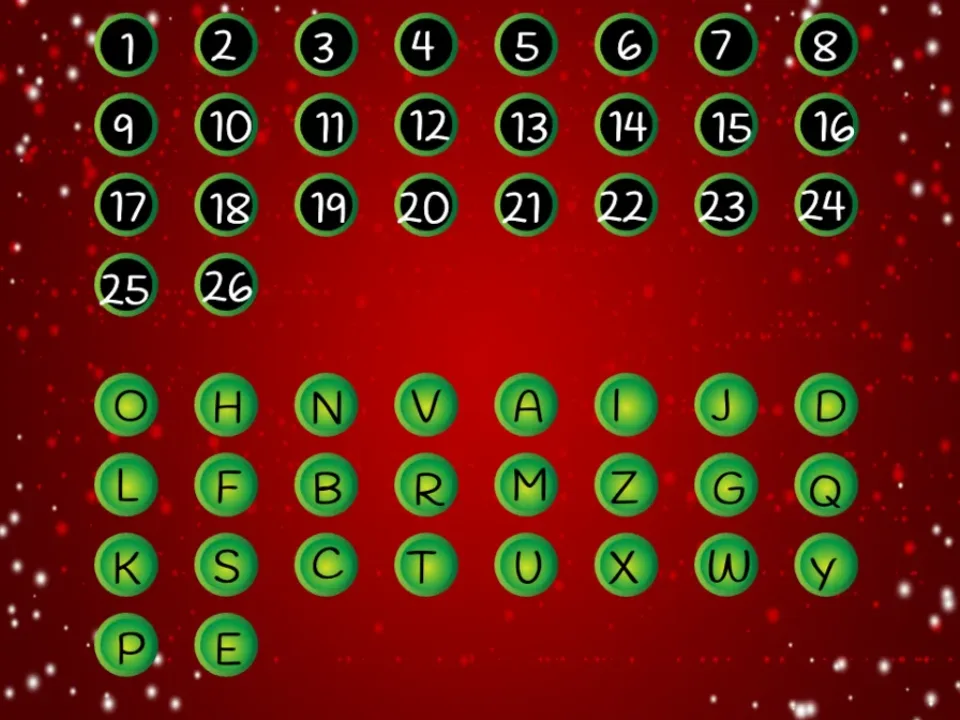
- Alphabet Game displayed 26 numbered targets with all letter tiles shuffled below them.
- Both games entered the main task without extra scoring or account flows.
Count a visible round without guessing
The captured Counting Squares round showed five blue squares. Point to each square once, keep a running count, then compare the total with the buttons from 1 through 10.
If the same square is counted twice, restart the scan from a fixed direction. The page does not store a progress history, so the useful result is the repeatable counting method rather than a long score record.
Use numbered targets to verify alphabet order
Alphabet Game displayed 26 numbered positions and a shuffled group of letters. The target numbers provide a visible order check before a tile is dropped.
Start with a small sequence such as A through D. After each placement, read the occupied targets from left to right instead of dragging many tiles before checking.
Choose the task by input style
Counting Squares uses one answer press after a visual scan. Alphabet Game requires repeated precise dragging across a dense board.
On a narrow screen, the alphabet targets are harder to hit accurately. A larger pointer-friendly viewport is the more reliable setup for the full 26-tile task.
Quick checklist
- Count each visible square once in a fixed direction.
- Compare the total with the numbered answer row.
- Place only a few letters before checking the sequence.
- Use a larger viewport when drag targets feel crowded.