Laser Connect: dialogue controls and the first two-bot room
What we verified
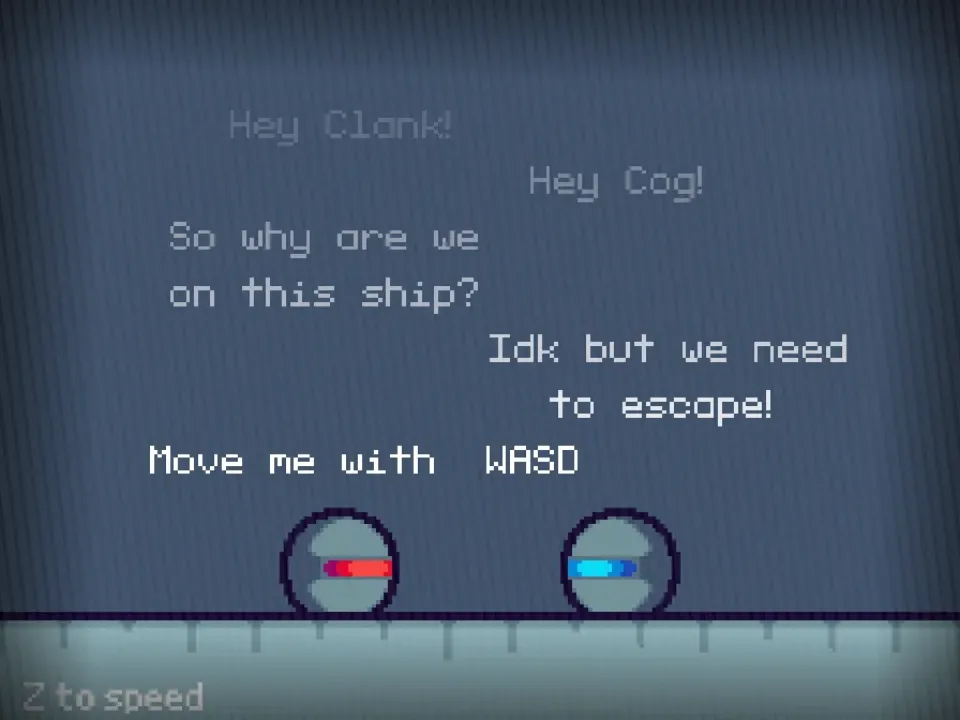
- The opening dialogue assigned WASD to one bot and arrow keys to the other.
- Pressing Z advanced the dialogue and reached the first puzzle room.
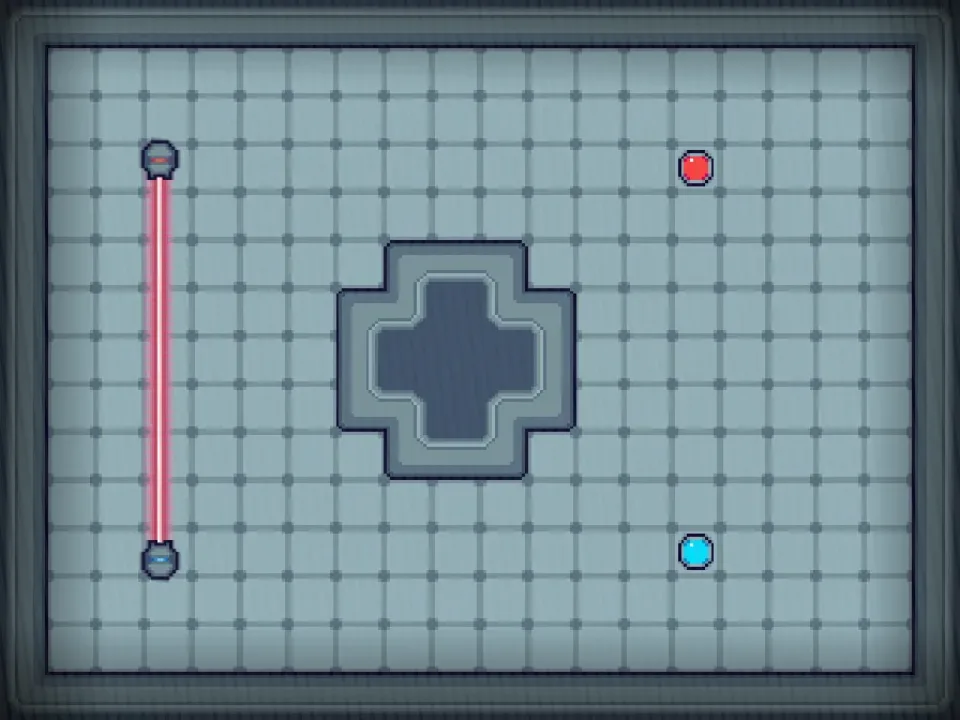
- The first room placed the bots on separate sides of a laser and central obstacle.
Use the dialogue as a control map
The opening text assigns separate inputs: WASD and the arrow keys. Place one hand on each set before advancing so the first room does not become a control-memory test.
We used Z to move through the dialogue. If the room does not appear, confirm that the game canvas has focus before pressing it again.
Plan each bot separately first
The captured room separated the bots with a laser and central obstacle. Identify where each color can move before trying simultaneous input.
A useful recovery method is to ask which bot was out of position at the failure point. Changing both routes at once makes the mistake harder to isolate.
Touch-only play is not the verified setup
The tested control scheme uses two keyboard clusters. A touch-only device without a keyboard cannot reproduce that setup reliably.
Use a desktop or a device with an external keyboard when completing levels matters; the responsive site menu does not change the game package controls.
Quick checklist
- Focus the game canvas before using keyboard controls.
- Keep one hand on WASD and one on the arrow keys.
- Move one bot at a time while reading a new room.
- Use Z only after reading the relevant dialogue.