
Laser Connect
Guide two bots through laser-linked puzzle rooms by coordinating movement and planning each step.
Tested by NumBlocksGen
What we reproduced
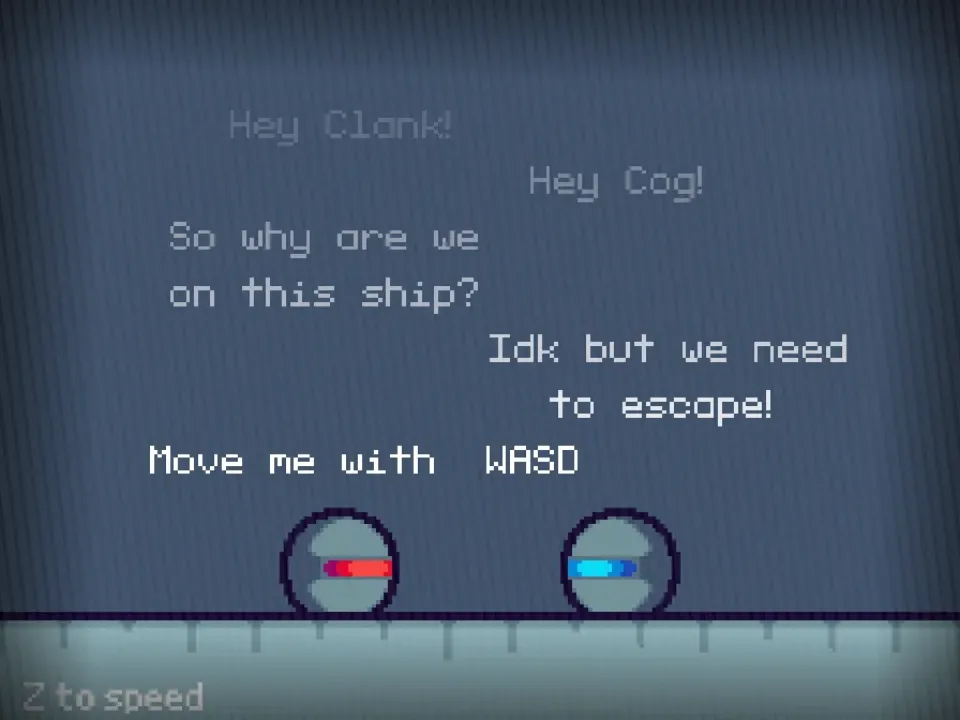
- The opening dialogue identifies separate WASD and arrow-key controls for the red and blue bots.
- Pressing Z advanced the dialogue faster and reached the first puzzle room.
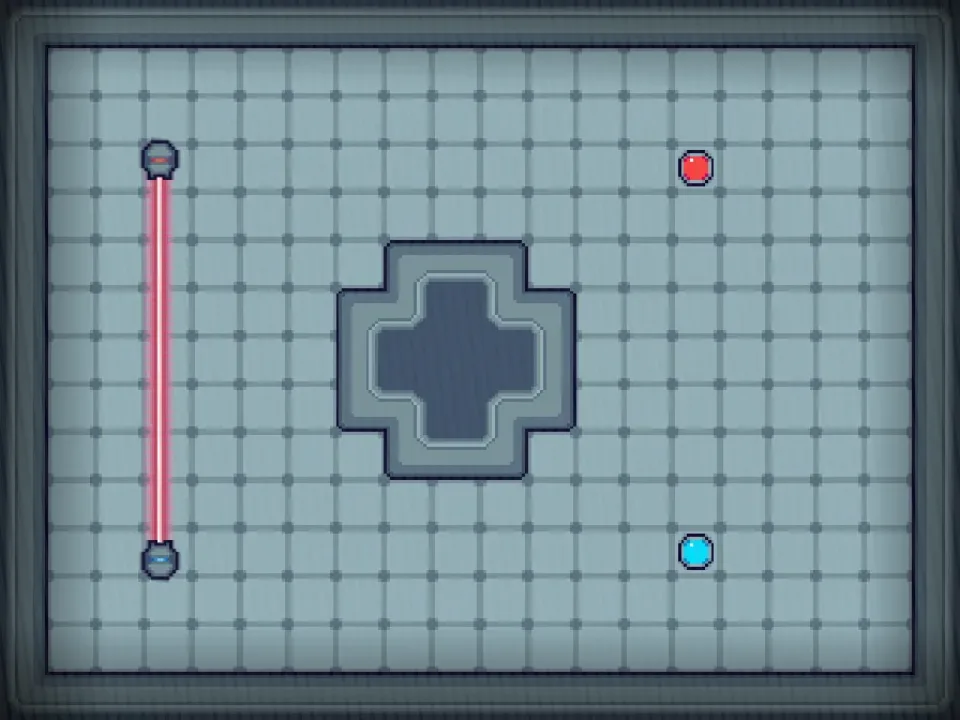
- The first captured room separated the colored bots and placed a vertical laser and central obstacle between routes.
Known limitation: Two simultaneous keyboard control sets make the game unsuitable for touch-only play without an external keyboard.
Scratch project by WilderNaut. View the original Scratch project Packaged with TurboWarp Packager and credited to the original Scratch creator.
Original project title: Laser Connect by WilderNaut on Scratch. Permission reference NBG-RIGHTS-005 is recorded as owner confirmed and was reviewed 2026-07-17.
The original project says the red bot moves with WASD, the blue bot moves with arrow keys, and the goal is to coordinate both bots through laser-linked puzzle rooms.
Editor's Guide
Laser Connect is a coordination puzzle. The key idea is controlling two bots with separate inputs, then thinking about how their positions affect the room. That makes it more demanding than a single-character maze but also more rewarding when the solution clicks.
The official Scratch notes credit separate art and coding contributors and describe it as a game jam collaboration. On this site, the page focuses on how to approach the dual-control mechanic without getting overwhelmed.
- Two-character coordination
- Puzzle players who like timing
- Keyboard practice with WASD and arrow keys
Laser Connect builds sequencing and divided attention. Players learn to control two systems at once while still respecting the puzzle layout.
- Keyboard controls are easier than touch controls here
- The two control sets take a few practice attempts
- Coordination matters more than speed
Why this game is worth playing
- Using different controls for each bot forces players to plan instead of reacting randomly.
- Laser-linked rooms create a visible cause-and-effect relationship between movement and obstacles.
- The game works well as a short challenge because each room teaches a small coordination idea.
How to play
- Click the green flag in the game frame.
- Move the red bot with WASD.
- Move the blue bot with the arrow keys.
- Use both bots together to clear each puzzle room.
Tips before you play
- Move one bot at a time until you understand the room, then coordinate both when the path is clear.
- Keep your left hand on WASD and your right hand on the arrow keys before starting a level.
- If you fail a room, identify which bot was out of position before trying again.
Laser Connect FAQ
How do I control the two bots?
The Scratch instructions say the red bot moves with WASD and the blue bot moves with the arrow keys.
What is the goal in Laser Connect?
The source instructions tell players to try to get to the last level.
Should I move both bots at the same time?
The source gives separate controls for each bot, so a practical first step is to learn one bot position at a time before coordinating both.