Four logic routes tested: Pivot, Hop & Drop, Tiles, and Arukone
What we verified
- Hop & Drop opened a peg board with level arrows and a visible restart control.
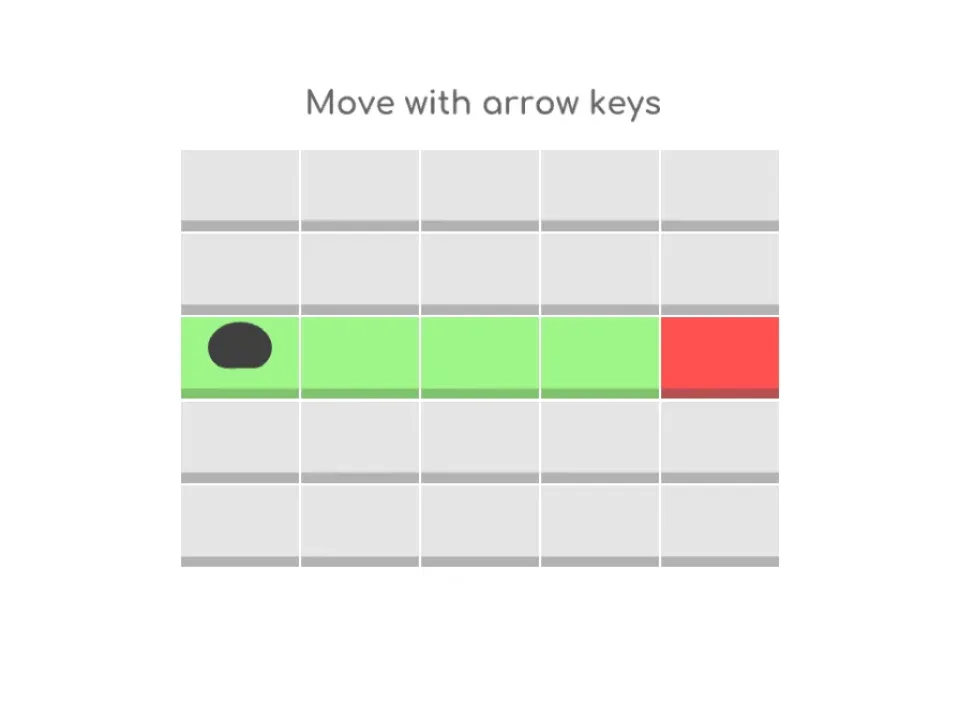
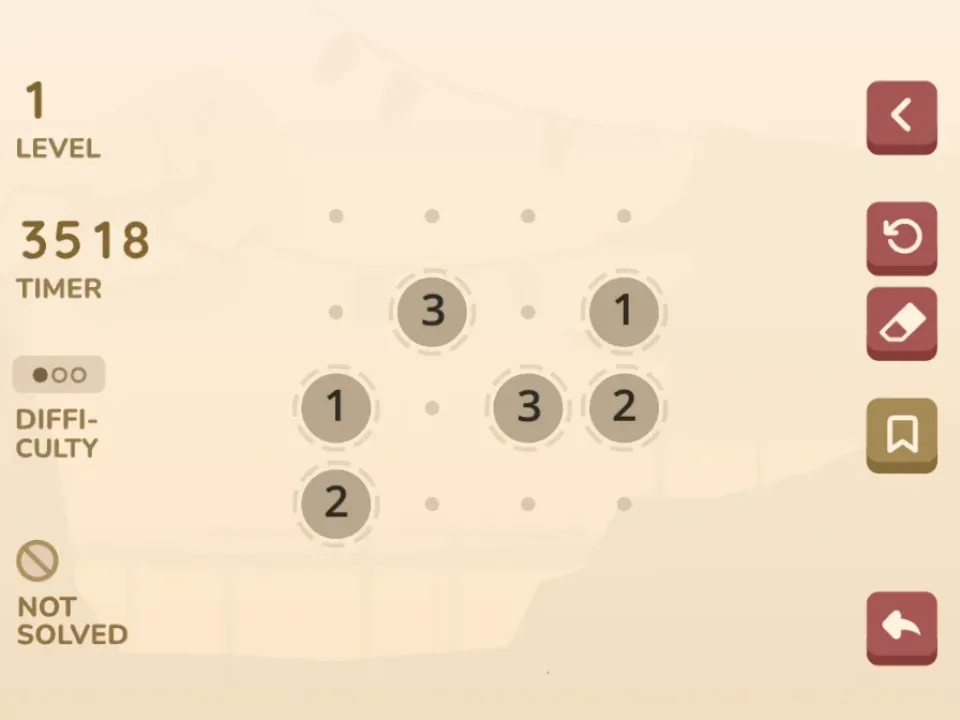
- Tiles opened an interactive arrow-key tutorial; Arukone level 1 showed three number pairs on a dot grid.
- Pivot accepted title-screen input but did not produce a stable board capture, so its page uses a labeled creator preview.
Start with the clearest board state
Hop & Drop, Tiles, and Arukone all reached stable interactive states in the test. Hop & Drop exposed a compact peg layout, Tiles taught movement on a green route, and Arukone showed number pairs before any lines were drawn.
Those opening states support different planning habits: preserve future hops, reserve repeatable tiles, or allocate corridors before drawing a line.
Use reset before random trial takes over
Hop & Drop and Arukone both show recovery controls around the board. Use them when an early move removes a necessary option instead of layering more moves onto a failed route.
In Tiles, the tutorial is the safest place to confirm arrow-key input. A move that never reaches the canvas usually means the page or another control still has focus.
Pivot has a stricter evidence boundary
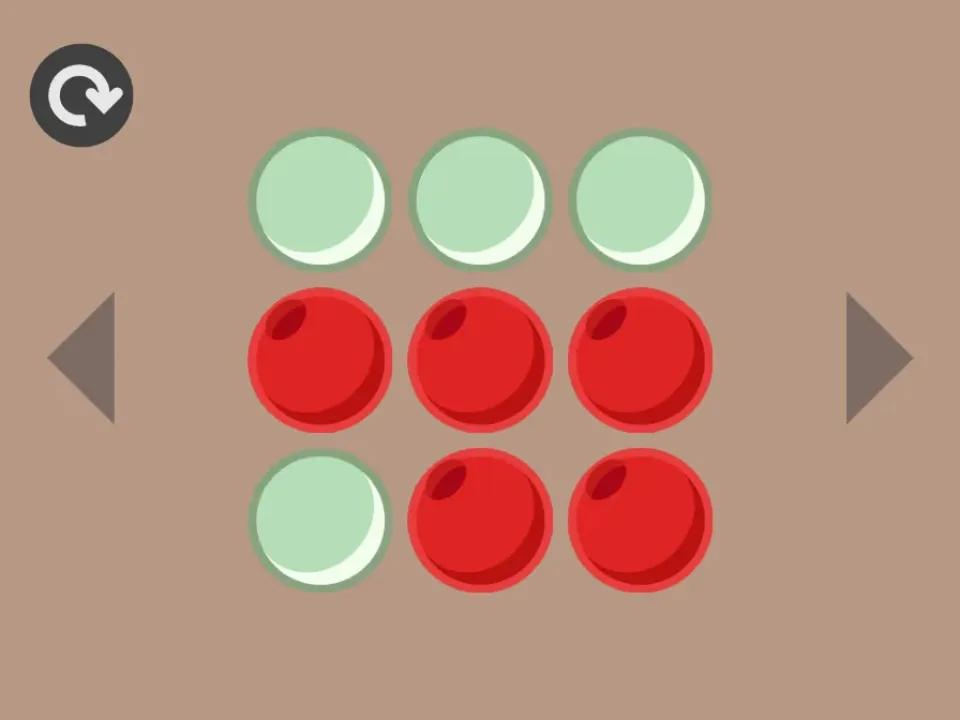
Pivot displayed a title screen and responded when its start marker was clicked, but the automated run did not obtain a stable board frame. Its creator preview is therefore labeled as reference imagery.
Do not infer that the preview proves this packaged run reached the same state. The other three captures are the stronger evidence for this comparison.
Quick checklist
- In Hop & Drop, preserve at least one useful future hop.
- In Tiles, learn the arrow-key response in the tutorial.
- In Arukone, route constrained pairs before flexible pairs.
- Treat the Pivot creator preview as context, not runtime proof.