
Multiplication Game
Practice multiplication tables by answering quick random problems and racing toward a target score.
Tested by NumBlocksGen
What we reproduced
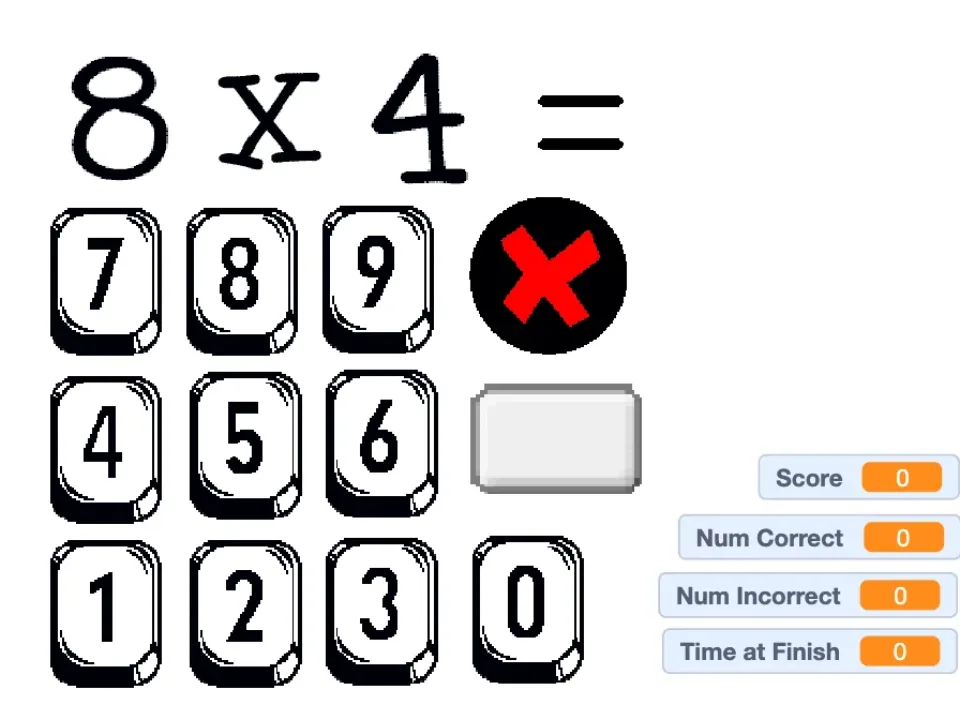
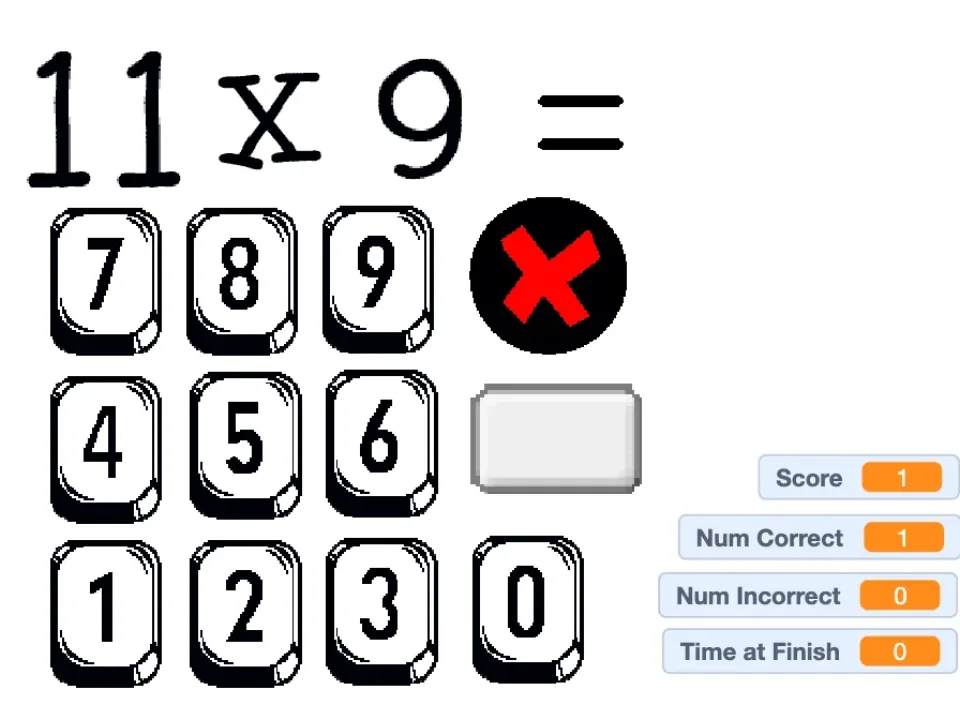
- A new run displayed a random multiplication prompt above an on-screen numeric keypad.
- The black X clears an entered answer and the gray rectangular button submits it.
- Entering 32 for the captured 8 × 4 prompt increased both Score and Num Correct from 0 to 1 before the next prompt appeared.
Known limitation: The game drills recall but does not teach the multiplication concept before starting the timer and score loop.
Scratch project by GeekDad001. View the original Scratch project Packaged with TurboWarp Packager and credited to the original Scratch creator.
Original project title: Multiplication Game by GeekDad001 on Scratch. Permission reference NBG-RIGHTS-002 is recorded as owner confirmed and was reviewed 2026-07-17.
The original project describes a multiplication-table practice game. It randomly picks two factors, currently between 4 and 12, and ends when the player reaches a target score.
Editor's Guide
Multiplication Game is a compact drill game with a clear loop: read the equation, enter the answer with the on-screen number buttons, check it, and keep going until the target score is reached. The original Scratch notes explain that wrong answers reduce the score, so accuracy matters as much as speed.
This makes the game a good warm-up for players who already understand multiplication but need faster recall. It is not a visual lesson about what multiplication means; it is a quick practice board for times-table fluency.
- Times-table practice
- Short daily math drills
- Players ready for factors around 4 to 12
The value is repetition with feedback. Players practice recognizing products quickly, then notice which factor pairs still need review.
- Answers above the original project limit may not be supported
- It is better for practice than first-time instruction
- Fast clicking can create avoidable mistakes
Why this game is worth playing
- The random question flow prevents players from memorizing a fixed order of answers.
- The score target gives a natural stopping point, which is helpful for short practice sessions.
- On-screen input avoids the need to type an answer with the physical keyboard.
How to play
- Click the green flag in the game frame.
- Use the number buttons to enter each multiplication answer.
- Clear a mistake with the in-game X button, then check your answer.
- Reach the target score to finish the round.
Tips before you play
- Say the multiplication sentence aloud before clicking the answer buttons; it improves recall over time.
- Use the clear button after a mis-click instead of guessing through the wrong answer.
- If the range feels hard, treat the first round as review and focus on accuracy before speed.
Multiplication Game FAQ
What number range does Multiplication Game use?
The Scratch project description says the variables currently pick two numbers between 4 and 12.
How does scoring work?
The source description says a correct answer adds one point, an incorrect answer removes one point, and the game ends when the player reaches 10 points.
What should I do after a mis-click?
The creator says players can clear a mis-click with the black circle that has a red X before checking the answer.